
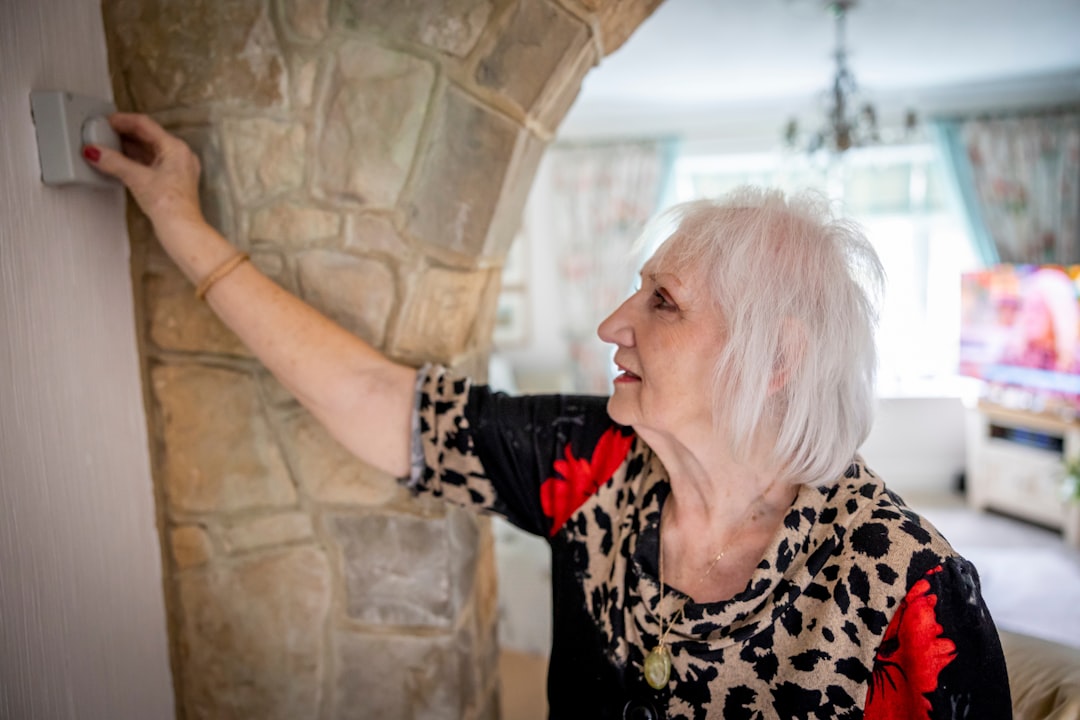
Is your thermostat not working? Learn the most common causes and easy fixes to restore comfort in your home without calling a technician right away.
A thermostat that stops working can quickly turn your home into an uncomfortable space, especially during extreme heat or cold. Before you panic or call a technician, there are several simple troubleshooting steps you can take on your own. Many thermostat issues have straightforward causes and can be resolved in under an hour with basic tools and a little patience.
Check the Most Common Causes First
When your thermostat is unresponsive or not controlling your heating and cooling system properly, start with the basics. Many problems come down to simple oversights that are easy to fix once identified.
Dead or Weak Batteries
If your thermostat has a blank screen or is not responding to input, the batteries are often the first thing to check. Most digital and programmable thermostats use AA or AAA batteries. Replace them with fresh alkaline batteries and see if the display comes back on. Even if the screen appears dim rather than blank, weak batteries can cause erratic behavior and missed temperature settings.
Tripped Circuit Breaker
Your thermostat is connected to your home's electrical system. If the circuit breaker for your HVAC system has tripped, your thermostat will lose power. Head to your electrical panel and look for any breakers in the off position. Reset the breaker by switching it fully off and then back on. If it trips again immediately, stop and contact a licensed electrician or HVAC technician, as this could signal a larger electrical issue.
Incorrect Settings
It sounds simple, but incorrect mode settings are a surprisingly common culprit. Make sure the thermostat is set to "Heat" in winter and "Cool" in summer. Also confirm the fan is set to "Auto" rather than "On" if you only want it running when the system is actively heating or cooling. Check that the set temperature is actually higher or lower than the current room temperature, depending on your need.
Inspect the Thermostat Itself
If the basic checks do not resolve the issue, it is time to take a closer look at the thermostat unit itself.
Dirty Interior Components
Dust buildup inside older thermostats, especially mechanical models, can interfere with accurate temperature sensing and switching. Turn off the power to your HVAC system at the breaker before opening the thermostat cover. Use a soft brush or compressed air to gently clean the interior. Avoid touching any wiring directly unless you are confident doing so safely.
Loose or Corroded Wiring
With the power still off, remove the thermostat cover and look at the wiring connections. Loose wires are a frequent cause of intermittent thermostat problems. Gently tug each wire to make sure it is firmly seated in its terminal. If you notice green corrosion on the wire terminals, use a small screwdriver to lightly scrape it away. Reconnect any loose wires to their appropriate terminals and restore power to test the system.
Thermostat Placement Issues
Your thermostat's location in the home affects how accurately it reads room temperature. If it is installed near a window, vent, or in direct sunlight, it may be getting false temperature readings. This can cause your HVAC system to short cycle or run too long. Relocating the thermostat to a more central, neutral wall is a longer-term fix that can make a significant difference in system performance.
When to Replace Your Thermostat
If your thermostat is more than ten years old and continues to malfunction after troubleshooting, replacement is often the most cost-effective solution. Modern smart thermostats from brands


